Generate IK
Edit Armature |
Pose |
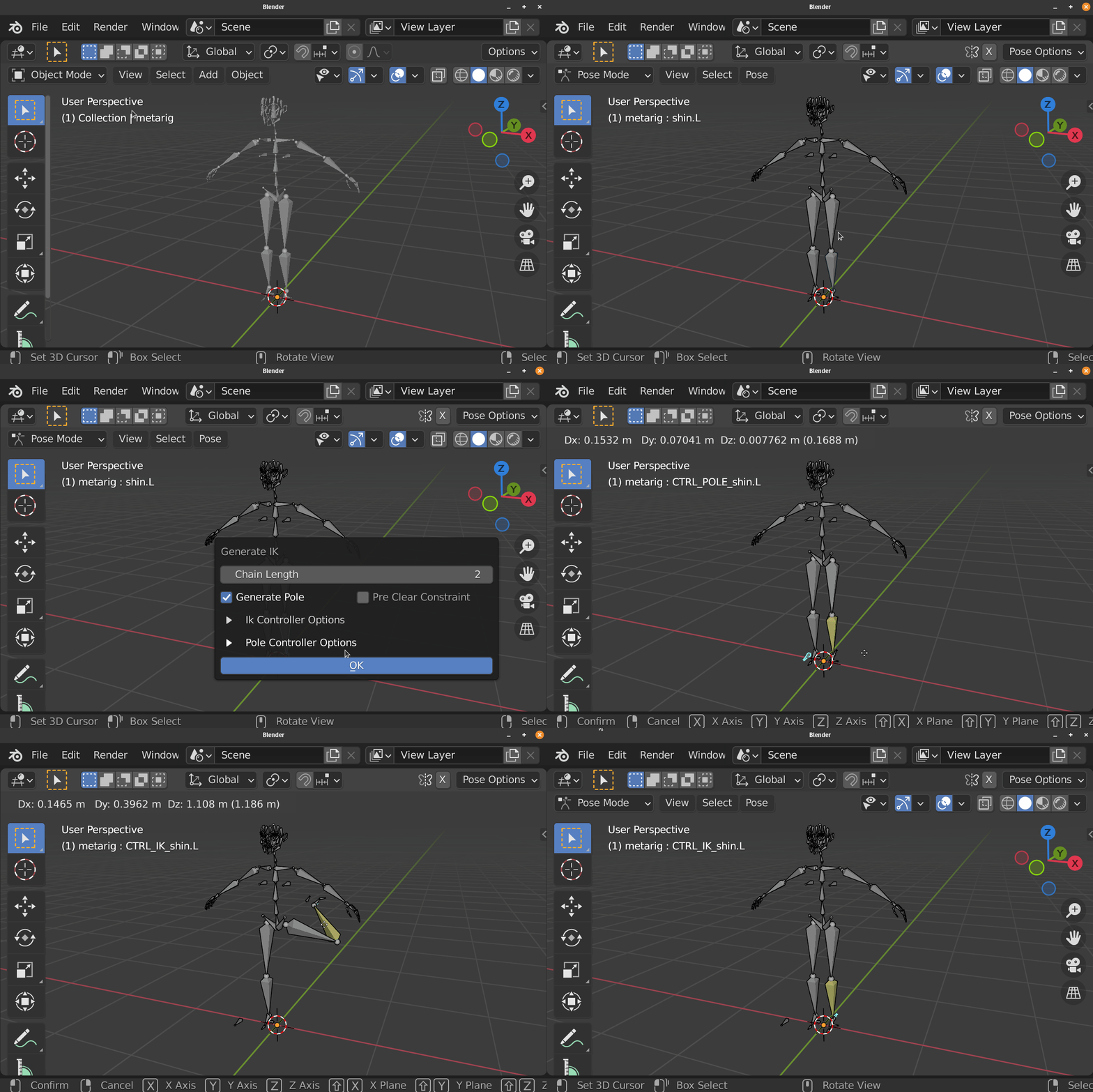
This Operator Helps Set Up IK for active bone
It Generate IK Controller Bone and Pole Bone if specified

This can be useful to Rig IK for Limbs
General Options
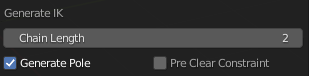
Chain Length: Chain Length the IK Constraint Use
Generate Pole: Generate Pole Bone
Pre Clear Constraint: Pre Clear Existing Constraint from the active Bone
Generate Pole: Generate Pole Bone
Pre Clear Constraint: Pre Clear Existing Constraint from the active Bone
IK Controller Options
IK Controller Create Mode:
Method of creating ik controller
Generate Bone: Create Controller at Tail of Active Bone, and Offset Tail from Head by Vector
Offset Vector: The Vector for Bone Tail to Offset from Bone Head

Use Existing Bone: Use Existing Bone as IK Controller
Bone Picker: The bone to be use as IK Controller
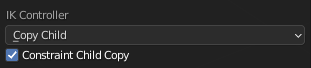
Copy Child: Copy the First Child of Active Bone and Use it as IK Controller
Constraint Child Copy: Constraint IK Controller to the Reference Child Bone
Pole Controller Options
Pole Mode:

Bone Bending: Create Pole Bone Base on the Bone Bending
Bone Roll: Create Pole Bone Base on the Bone Roll
Offset Distance: Distance Offset from the Active bone (Not Consistent)
Bone Roll and Orientation (Bone Bending):

Align Bone Roll: Align Bone Roll to the Pole Bone (Avoid using this on Already Animated Rig)
Pole Tail Offset: Offset amount for Bone Tail From Bone Head